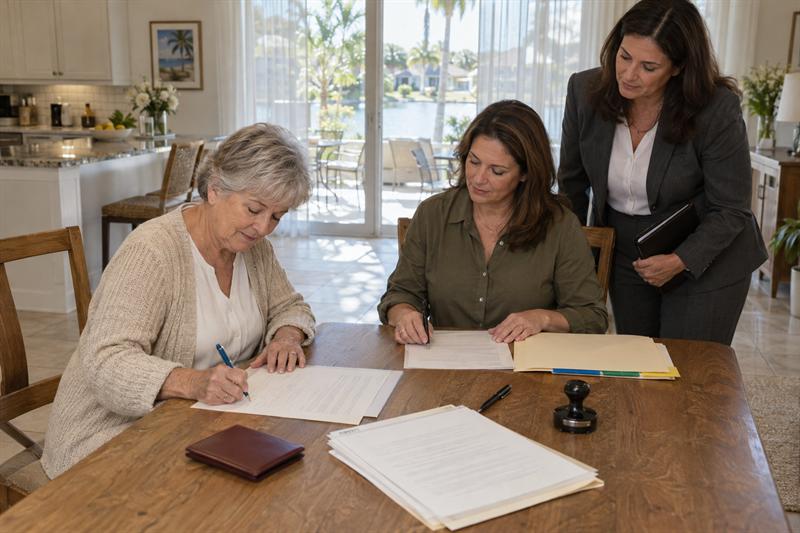
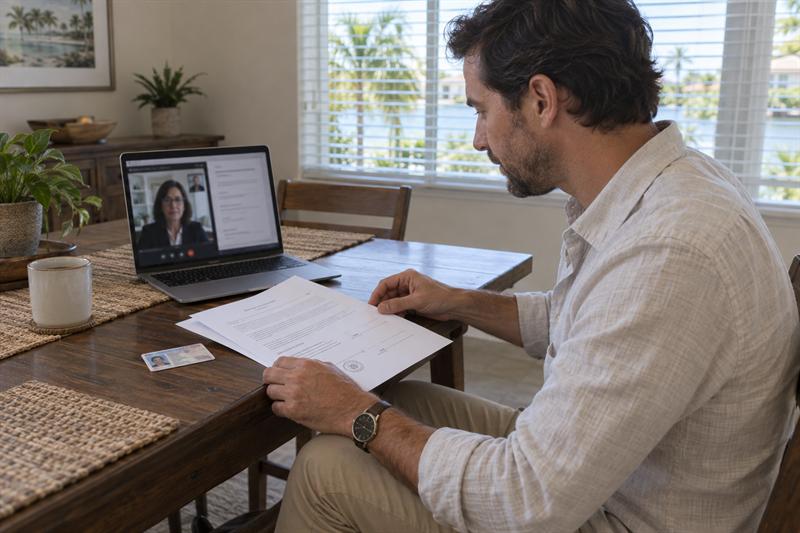
Instructions that say “original,” “wet ink,” or simply “notarized” leave an important question unanswered: will an electronically notarized document satisfy the request? Resolve that question before choosing an appointment, especially when witnesses or a submission deadline are involved.
Sunshine Mobile Notary, LLC offers mobile and remote online notarization options. Choosing between them starts with the document’s requirements, not just convenience. For a process overview, review how remote online notarization works in Florida. This guide focuses on which documents can fit RON and what determines whether the finished document will meet your needs.
Which Documents Are Eligible for Remote Online Notarization in Florida?
A document is suitable for Florida RON when its required notarial act and signing requirements can be completed through a permitted online process. The signer and witnesses must meet applicable requirements, and the platform must support the session. Separately, the completed document must satisfy applicable submission and acceptance requirements.
Four Checks for Deciding Whether RON Is a Fit
Use these four checks to organize the decision:
- Document requirements: Identify the required notarial act, signatures, witnesses, and any special signing formalities.
- Signer and witness conditions: Establish whether identification, location, participation, and communication requirements can be met.
- Platform support: Determine whether the platform supports the identification documents, participants, and signing process.
- Recipient requirements: Establish which document format and submission method the receiving organization requires.
Florida Statutes Chapter 117 provides the framework for Florida online notarization. These four checks are a practical decision guide, not a statutory test. Platform availability does not replace legal requirements, and completing the notarial act does not settle every acceptance question.
Proceed, Confirm First, or Choose a Different Process
Choose your next step based on the requirement that remains unresolved.
- Proceed to preparation: The document, participants, platform, and submission requirements support the proposed appointment.
- Confirm first: Ask the recipient about delivery requirements, the platform provider about technical support, or the document preparer about unclear signing instructions.
- Choose a different process: A verified requirement cannot be met through the proposed online session. Investigate an appropriate in-person signing or other required official process.
The notary addresses notarial requirements. Questions about document drafting or instructions belong with the preparer; legal interpretation and the document’s legal effect require appropriate legal counsel.
Common Document Types and What Needs Confirmation
Document categories help narrow the questions, but they do not provide blanket approval. Two forms with the same title can have different witness instructions, notarial wording, or submission requirements.
Affidavits, Sworn Statements, and Consent Forms
These documents can be suitable for RON when their required notarial acts and signing instructions support it.
- Affidavits: Identify the oath or affirmation and signing requirements associated with the document’s notarial certificate.
- Sworn statements: Establish how the statement must be sworn to and signed, rather than treating notarization as simply adding a seal.
- Consent forms: Review the recipient’s instructions for notarization, additional witnesses, and electronic acceptance.
An acknowledgment and a jurat serve different purposes. An acknowledgment involves the signer’s acknowledgment that the document has been executed; a jurat involves an oath or affirmation and signing in the notary’s presence during the notarial session. Follow the instructions for the specific act and online process rather than assuming every document follows the same signing sequence.
Powers of Attorney, Estate Documents, and Real Estate Paperwork
These categories need document-specific review because notarization does not establish that every signing requirement has been met.
- Powers of attorney: Have the preparer or appropriate attorney resolve applicable signing and witness requirements. Permission to notarize remotely does not automatically permit remote witnessing.
- Estate documents: Establish the formalities for the particular instrument. An ordinary RON appointment is not a substitute for a document-specific estate-planning signing process.
- Real estate paperwork: Obtain the lender’s, title company’s, or recording office’s applicable instructions. Approval for one document does not establish approval for an entire loan package.
Florida’s document-specific power-of-attorney, estate, and witnessing rules require closer review than a general RON document list provides. Resolve those requirements before scheduling participants for a signing that might need a different arrangement.
Public Records and Requests That Are Not Ordinary Notarizations
Some requests require an issuing agency or separate official process rather than signature notarization.
- Certified public records: Notarizing a signature does not create an official certified birth, death, or marriage record. Obtain the required record from the appropriate issuing authority.
- Apostilles: Authentication is a separate process with its own document and submission requirements. A list of documents eligible for an apostille is not a list of documents eligible for RON.
- I-9 verification: Employment eligibility verification follows USCIS requirements. It is not a notarial act simply because a notary provides related assistance.
Identify the requested process before paying for notarization. A notarized signature does not replace an agency-issued record, authentication, or employment verification.
Confirm Recipient Acceptance Before Booking
Ask whether the recipient accepts the specific electronically notarized document for the intended transaction. “We accept notarized documents” does not answer questions about electronic format, witnesses, or delivery.
Questions to Ask the Receiving Organization
Use these questions to turn broad instructions into a clear submission plan:
- Do you accept a document notarized through Florida RON for this document type and transaction?
- Do you require the electronic original, a paper submission, or a wet-ink original?
- Are there specific witness, notarial certificate, or platform requirements?
- How must the completed document be delivered or submitted for recording?
- Which department or person can resolve conflicting submission instructions?
Retain written instructions when available. They provide a useful record, not a guarantee of acceptance. If the instructions seem inconsistent, ask the recipient or document preparer to clarify before booking.
Electronic Originals, Printed Copies, Recording, and Foreign Use
The recipient needs the correct form of the document, not just a visible signature and seal.
- Electronic delivery: An electronically notarized file is different from a printed reproduction. Preserve the completed electronic file and follow the relevant delivery instructions.
- Paper or recording submission: A printout does not automatically satisfy an original-paper requirement. Any authorized process for certifying a paper copy and the relevant recording office’s submission rules need separate consideration.
- Foreign use: Florida authentication requirements and the foreign recipient’s requirements are separate checks. An apostille does not establish suitability for every intended use.
A format mismatch can start with the instruction “send a notarized copy.” Resolve whether “copy” means an electronic file, an ordinary printout, or a specifically certified document before preparing the final submission.
Pause booking when the instructions conflict with the proposed online signing. Resolve these issues first:
- The instructions require wet ink, but the appointment would produce an electronic document.
- Witnesses are required, but their participation has not been arranged.
- The recipient requests an “original” without identifying the accepted format.
Take the exact conflicting instruction to the recipient or document preparer before paying for a session. Signing first can create another round of document handling and leave less time to correct the problem.
Signer and Witness Situations That Can Change Eligibility
A suitable document still needs a workable signer and witness arrangement. Recipient approval does not resolve identification, location, or participation requirements.
Identification and Platform Compatibility
A valid government-issued ID does not establish that a particular platform supports it or can complete the required verification process.
Credential analysis examines the ID document’s physical and data features. Identity proofing uses the platform’s verification methods to confirm the signer’s identity. The notary also assesses the signer during the session; that assessment does not replace other required checks.
If verification stops despite a valid ID, distinguish an image-capture problem from an unsupported credential or another verification issue. Repeating “the ID is valid” does not resolve whether the platform can use it for that signer.
Signers Outside Florida or Outside the United States
The signer’s location and the notary’s location are separate questions. A Florida online notary must be physically in Florida when performing the act. A signer outside the United States must also meet the applicable conditions for overseas signing.
For a signer abroad, establish:
- Whether the signer meets the applicable Florida conditions for signing while outside the United States.
- Whether the platform supports the signer’s identification and verification circumstances.
- Whether the document’s intended use and recipient requirements support the proposed process.
Being able to join a video call does not establish eligibility. Citizenship or location alone does not answer the full question.
Witnesses, Communication, and Willingness to Sign
Required witnesses must participate in a way that meets the document’s applicable signing rules.
- Witnesses: Establish who is required and whether remote participation is permitted and supported.
- Communication: The session must support the audio, video, and participant participation needed to perform the notarial act properly.
- Willingness: The signer must participate voluntarily; another person’s urgency does not replace that requirement.
Consider the signer’s actual participation needs before the session. Resolve necessary arrangements in advance rather than treating technology as an exception to the rules.
Common RON Failure Points and the Right Next Step
Identify where the process broke down before choosing a remedy. An unclear instruction, failed verification check, and rejected submission require different responses.
Before the Session: Document or Recipient Requirements Are Unresolved
Pause when the instructions do not support a clear signing plan.
- Wet-ink language conflicts with RON: Ask the recipient whether an electronic document satisfies that specific requirement.
- Witness instructions are incomplete: Have the preparer resolve the required arrangement before coordinating attendance.
- The requested notarial act is unclear: Obtain appropriate direction from the preparer or legal counsel rather than asking the notary to make a legal choice for you.
For example, gathering several participants online does not resolve an unanswered witness requirement. It commits their time before the signing plan is settled.
During the Session: Verification or Execution Cannot Be Completed
If a required step cannot be completed, the proposed signing process must stop until the issue is properly addressed.
- Identity proofing or credential analysis fails: Follow the platform’s documented procedure to determine permitted next steps.
- Audio or video is inadequate: Restore the communication needed for the act rather than continuing through an incomplete interaction.
- The witness arrangement does not meet requirements: Resolve the arrangement before proceeding with the signing.
Repeated attempts are not a substitute for identifying the barrier. Another platform is useful only if it can address the actual issue within the requirements for that notarial act.
After the Session: The Receiving Organization Rejects the Result
Obtain the exact rejection reason before arranging another notarization.
- Wrong delivery format: Identify the required electronic file or paper submission process.
- Notarial certificate concern: Bring the specific issue to the notary for appropriate review.
- Signing or document-content concern: Involve the preparer or appropriate attorney.
- Acceptance dispute: Note the stated reason and clarify whether it concerns delivery, format, witnesses, or the notarial certificate.
Rejection does not automatically mean the notarization is improper. Do not independently alter the completed notarized file; any correction needs to address the actual problem through an appropriate process.
When Mobile Notarization May Be the Better Option
Mobile notarization is a practical option when the document requires in-person paper signing or a barrier specific to the online process prevents a suitable remote appointment.
Sunshine Mobile Notary, LLC offers mobile service within its Southwest Florida service area and remote online notarization options. These options allow the appointment format to be considered against the document’s requirements. They do not make every document suitable for either method.
- Mobile may help when the transaction requires a wet-ink signing arrangement.
- Mobile may help when an online verification obstacle does not prevent identification through a permitted in-person process.
- Mobile may help when the required witnesses need to participate in person.
An in-person appointment does not repair defective documents or remove identification and witness requirements. Compare mobile and online notarization options against the specific requirement you need to satisfy.
Frequently Asked Questions About Florida RON Eligibility
Document type, signer location, and submission format each raise different eligibility questions.
What Documents Can Be Notarized Online in Florida?
Affidavits, sworn statements, and consent forms can be suitable when their signing and recipient requirements support RON. The category is only a starting point. Two consent forms, for example, can require different witnesses or submission formats. Suitability concerns the particular document and signing process, not simply the title printed at the top.
Can a Recipient Reject a Document That Was Notarized Online?
A recipient can reject a submission even after a completed online session. The reason matters: a delivery-format problem differs from a defective certificate or unmet signing requirement. The stated rejection reason determines what needs attention. A second notarization does not automatically resolve the first rejection.
Can a Power of Attorney Be Notarized Online in Florida?
A power of attorney needs document-specific review rather than a blanket yes or no. Remote notarization and remote witnessing are separate issues, and applicable signing requirements affect the available process. If witness instructions are unclear, the preparer or appropriate attorney needs to resolve that issue before the signing arrangement is chosen.
Can Someone Outside the United States Use a Florida Online Notary?
It is possible when applicable Florida conditions and platform verification requirements are satisfied. The signer’s overseas location and the Florida notary’s required location are separate considerations. Joining a video session does not establish that the signer’s identification, verification circumstances, and the document’s intended use support the proposed notarization.
Can I Print an Online-Notarized Document and Submit the Paper Copy?
Not automatically. An electronic original, an ordinary printout, and a paper copy produced through an authorized certification process are different forms of a document. Printing the visible signature and seal does not establish that the paper satisfies recording, authentication, or original-document requirements. The required submission format determines whether that paper version is suitable.
What Should I Do If Online Identity Verification Fails?
- Identify the failed stage: An image-capture problem differs from an unsupported credential.
- Follow the documented procedure: Establish whether the platform permits a retry or another supported verification path.
- Evaluate alternatives against the actual obstacle: Another notarization method must meet its own identification requirements; it is not a way around required safeguards.
Key Takeaways
- Check four things: Document requirements, signer and witnesses, platform support, and recipient requirements.
- Resolve the format: An electronic original and an ordinary printout are not automatically interchangeable.
- Separate completion from acceptance: A finished session does not answer every submission or signing question.
- Match the response to the problem: A document issue, verification barrier, and recipient restriction need different solutions.
Conclusion: Confirm Suitability Before Choosing an Appointment
Contact Sunshine Mobile Notary, LLC to discuss an appointment format that fits your document’s requirements. The practical risk is completing a notarization before resolving how the document must be signed and submitted. Unanswered witness, identification, or original-format instructions can lead to repeat handling and less time for corrections.
Obtain the recipient’s instructions, then provide the document type, signer location, witness requirements, delivery format, and deadline. Ask how to share sensitive materials appropriately. Once suitability is established, prepare your technology, ID, and document for the appointment so the signing follows a clear plan.