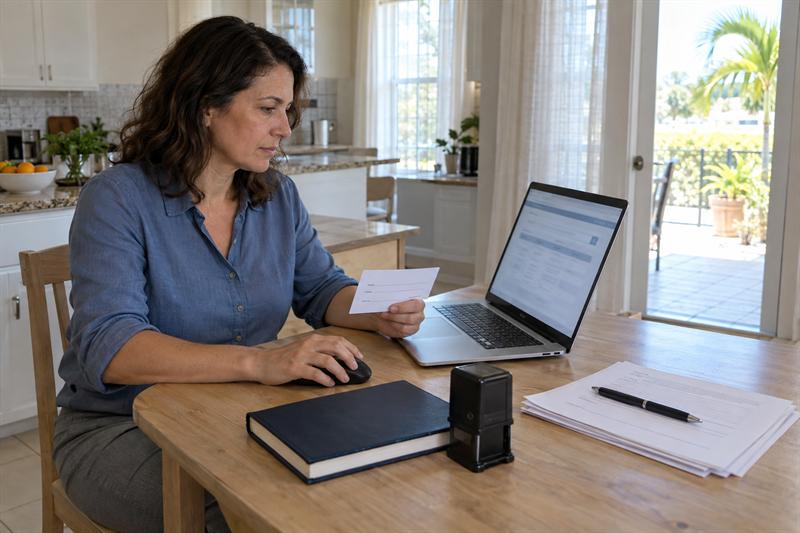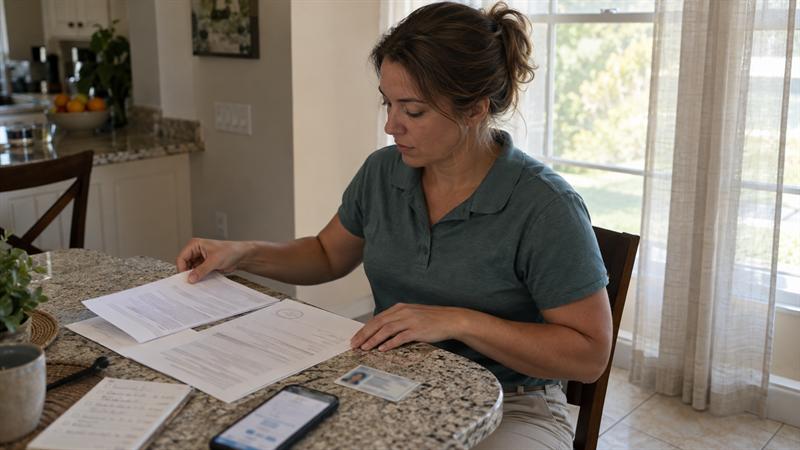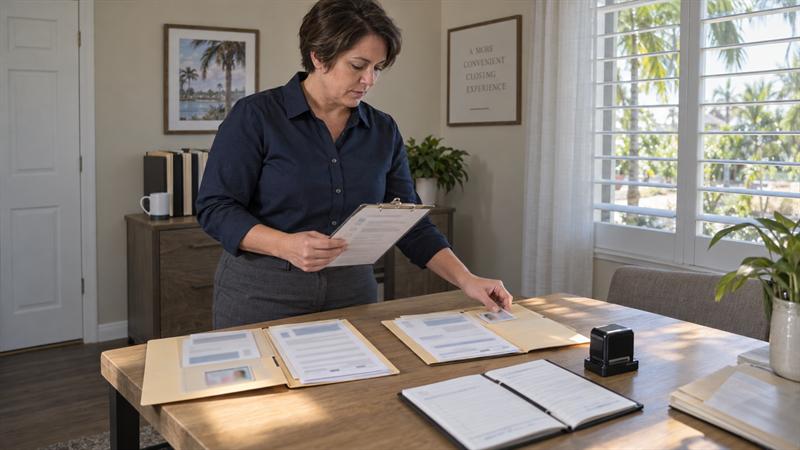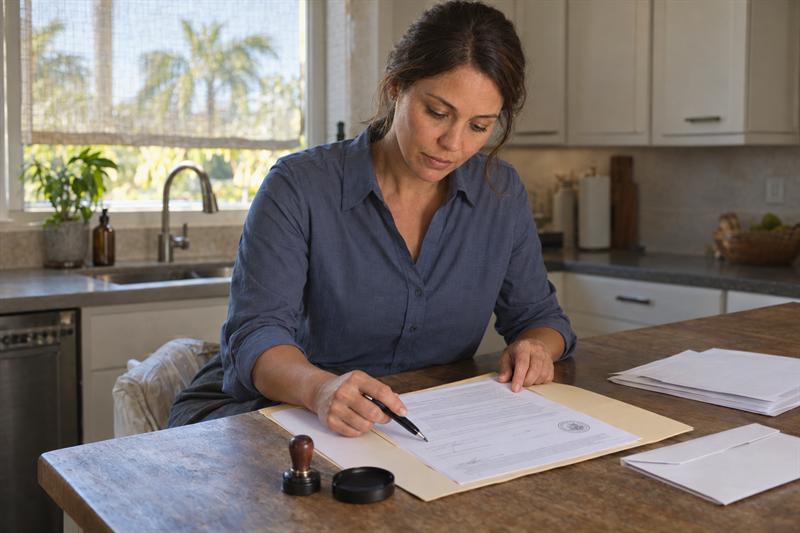
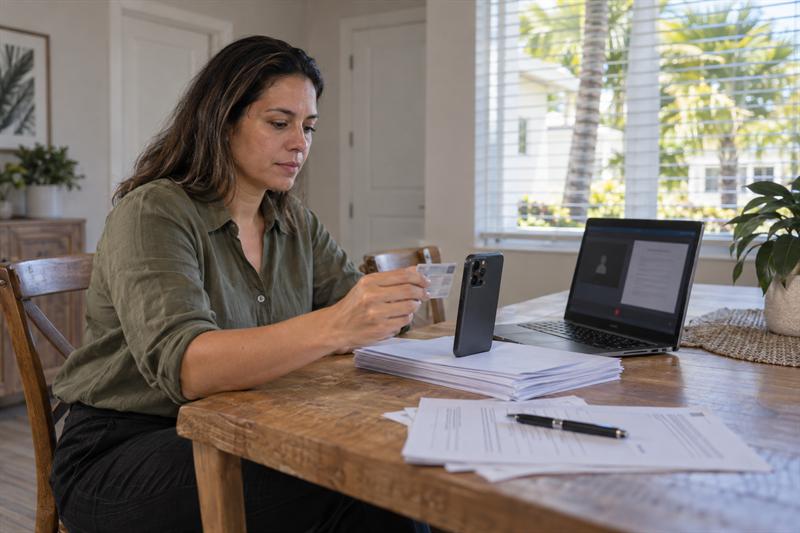
At Sunshine Mobile Notary, LLC, many remote signers expect a quick session and instead get stopped by an ID scan error, a frozen screen, or failed identity questions. In most cases, the problem is not the notarization itself. It is the step before completion that stops the process.
If your remote online notary session failed, the fastest way forward is not guessing. It is identifying whether the issue started with your ID, your device, your connection, or the document you uploaded.
Why a Remote Online Notarization Session Can Fail
A remote online notarization session can fail when one required part of the process does not go through cleanly. That may mean the signer could not be verified, the platform could not access the camera or microphone, the connection dropped, or the document was not ready for the session.
If you need a refresher on the normal sequence, this step-by-step guide to remote online notarization in Florida shows the usual flow. Once you know which step broke, the failure is usually much easier to understand.
Not Every Failure Means the Document Cannot Be Notarized
A failed session does not automatically mean your document cannot be notarized. In many cases, the issue is technical or procedural, not a dead end. The key question is whether the session was interrupted by something fixable or stopped by a problem that is likely to repeat until the setup changes.
The Four Main Categories of RON Problems
- Identity proofing failure: the ID scan fails or knowledge-based authentication questions are not passed.
- Tech or browser failure: the platform cannot access the camera, microphone, or required browser functions.
- Connection or platform interruption: the video call drops, freezes, or times out.
- Document readiness or eligibility issue: the file is incomplete, unreadable, mismatched, or not a good fit for RON.
This is where many signers lose time. They treat every failed session like a general tech problem, but the right fix depends on which category the failure falls into.
The Most Common RON Technical Issues
Many RON technical issues follow a pattern. The signer gets through one step, assumes everything is working, and then runs into a failure point that was already developing in the background. That often points back to browser permissions, ID capture quality, or an unstable connection.
Security checks are part of why remote notarization works at all. If you want more context on those verification layers, this explanation of how online notarization is verified helps show why the process has more friction than a standard video call.
ID Scan or Credential Analysis Does Not Go Through
If the ID scan fails, the issue is often image quality or information mismatch. Poor lighting, glare on the card, a blurry capture, cut-off edges, or a worn ID may cause the platform to reject the credential before the session moves forward.
Sunshine Mobile Notary, LLC regularly hears from signers who try to capture an ID quickly on a phone in dim light or under direct glare. Another common pattern is that the signer details entered on the platform do not match the ID exactly. That can lead to repeat failure even when the ID itself is valid.
If the same image conditions are used again, the next attempt may fail for the same reason. Better lighting, a flat surface, and a clear full-frame image are the details that usually change the outcome.
Identity Verification or KBA Questions Are Not Passed
If identity verification fails during the knowledge-based authentication step, the session usually stops before notarization can continue. This is different from a camera problem or a dropped call. It points to the identity-proofing stage.
This is where many signers get stuck. They may assume the platform is malfunctioning because the video side seems fine, but KBA failure points to the verification layer, not the meeting itself. A common mistake is retrying the same setup while focusing on browser settings when the real issue is the identity check.
If you can log in, upload the document, and then the process stops at verification, the problem is usually not ordinary tech access. It is tied to identity proofing, and that changes what needs attention next.
Camera, Microphone, or Browser Permissions Block the Session
If the platform cannot access your camera or microphone, the session does not move forward even if the device works normally in other apps. This is where problems usually start with unsupported browsers, blocked site permissions, privacy settings, or outdated software.
A common pattern is that the signer tests the webcam somewhere else and assumes everything is ready. But “the camera works” is not the same as “the notarization platform has permission to use it.” That gap is what often stalls the session at the connection stage.
If you switch devices without checking permissions, the same problem may follow you. The practical fix is to use a supported browser, allow camera and microphone access in that browser, and test those permissions before restarting the session.
Weak Internet or Dropped Video Connection Interrupts the Notarization
A remote notarization session depends on a stable live audio-video connection. If the signal is weak, the session may freeze, the audio may cut out, or the platform may disconnect before completion.
This often gets worse when signers join from a crowded Wi-Fi network, move around during the session, or try to complete the call from a place with unstable mobile data. Once the connection becomes unreliable, the session may not stay stable enough to finish smoothly.
If you are seeing lag, delayed screen response, or repeated reconnect messages, that usually means the network is already unstable enough to interrupt the session. A stronger connection and a more controlled setting are the changes that usually matter most.
The Platform Times Out or Freezes Mid-Session
When a platform times out or freezes, the cause is often inactivity, upload delays, browser conflicts, or unstable connection behavior. Restarting immediately without changing anything may bring you back to the same failure point.
Sunshine Mobile Notary, LLC often hears about this when a file loads slowly, the signer pauses too long while troubleshooting, or the browser is already struggling with permissions or extensions. By the time the screen freezes, the issue may have been building for several steps.
The practical takeaway is simple: a timeout is rarely fixed by rushing back into the same setup. What usually helps is a cleaner restart after the browser, file, and connection have been checked again.
If your session failed more than once, treat that as a pattern, not bad luck.
- Your ID keeps getting rejected even after another upload
- The platform connects, then stops at the same verification step
- Your camera or microphone works elsewhere but not in the notary session
- The call drops or freezes each time you get close to completion
Those signs usually mean another quick retry will cost more time. A more deliberate fix, or a switch to in-person notarization, is often the better next move.
Document-Related Issues That Can Look Like Technical Problems
Some failed sessions look technical but are really document problems. This is where many signers lose time, because they keep troubleshooting the device when the real issue is the file, the form, or whether the document is a good fit for remote notarization at all.
For a broader look at document fit, recipient acceptance, and related failure points, see this guide to remote online notarization document eligibility and recipient acceptance.
Incomplete Documents
Blank sections, missing pages, or missing notarial wording may be enough to stop a session that otherwise looks technically fine. The platform may accept the upload, but the process can break once the document is reviewed more closely.
This often gets harder mid-session, when the signer assumes the missing details can be sorted out on the spot. At that stage, the interruption usually affects the whole flow and may lead to rescheduling.
Unsupported File Type or Unreadable Pages
Corrupted PDFs, low-quality scans, rotated pages, or cropped page edges often look like platform issues because the upload fails or the document will not display correctly. The real problem is usually file usability.
When this is handled the wrong way, people may keep uploading the same damaged file. That can lead to repeat failure because the content is still unreadable, even if the internet and browser are working properly.
Name or Signature Inconsistencies
If the signer name on the document does not line up with the ID or entered profile details, the session may stall at verification or completion. This is where problems start when abbreviations, middle names, suffixes, or simple spelling differences are overlooked.
If identity questions pass but the document still will not move cleanly to signing, the mismatch is often in the paperwork or signer details rather than the connection.
Documents That May Not Be Suitable for RON
Some documents involve recipient requirements, workflow limits, or acceptance issues that make remote notarization a poor fit even when the platform itself is working. That does not mean the document is invalid. It means the remote path may add avoidable friction.
This is one of the most misunderstood parts of failed online notarization. People may assume a technical workaround will solve the problem, when the real issue is that the document or receiving party expects a different process.
What to Do After a Failed Remote Notarization Session
The right response after a failed session is not to restart blindly. It is to identify the failure point, fix the simplest likely cause, and decide whether another remote attempt still makes sense. This is usually the part that saves the most time because it replaces frustration with a clear sequence.
Step 1: Identify Exactly Where the Session Stopped
- Before document upload: the problem usually starts with file format, browser setup, or account access.
- At ID capture: the issue is usually lighting, image quality, card condition, or mismatch.
- At KBA or identity verification: the issue is in identity proofing, not ordinary tech access.
- During audio-video connection: the problem is usually permissions, browser compatibility, or network stability.
- At document signing or completion: the issue often shifts back to document readiness, session timing, or mismatch in signer details.
If you cannot identify the stopping point, you may end up fixing the wrong thing. That is one reason repeat failures happen.
Step 2: Fix the Simplest Issue First
Start with what is easiest to isolate. Check browser permissions, restart the device, improve lighting for ID capture, move to a stronger internet connection, and replace low-quality files before changing anything more complicated.
A common pattern is that signers change several things at once and then do not know what actually solved the issue. That can slow down the next attempt and make the process harder to repeat successfully.
Step 3: Prepare for a Clean Retry
Before you rejoin the session, recheck the full setup: device, browser, ID, document clarity, signer details, and any witness logistics. This remote online notary appointment checklist is useful here because it covers technology, ID, and document readiness in one place.
This is where many second attempts go wrong. The signer fixes the obvious problem but misses the related one. For example, they improve lighting but keep using the same blurry file, or they switch Wi-Fi networks but never update browser permissions.
Step 4: Know When to Reschedule or Change Notarization Method
If the same verification problem repeats, the device still cannot support the session, or the document is time-sensitive, switching methods is usually the smarter move. At that point, another retry often creates more delay than progress.
This is where the decision becomes practical. If you are dealing with urgency, repeated friction, or limited technology access, comparing mobile notary vs. online notary options usually makes the next step clearer.
How to Prevent the Same Problem on Your Next Attempt
Many repeat failures happen because the signer corrects the visible problem but misses the underlying one. Prevention works best when it connects directly to what went wrong the first time.
Device, Browser, and Connection Checks
- Use a supported, updated browser
- Confirm the platform has camera and microphone access
- Restart the device before the session if it has been running for a long time
- Use a stable internet connection in a quiet setting
If these checks are skipped, the same access and connection problems may return immediately.
ID and Signer Information Checks
- Use a valid, readable government-issued ID
- Capture the ID in clear light without glare
- Make sure the signer name is entered consistently
- Be ready for identity verification steps without rushing through them
Many signers focus on whether they have an ID at all. The real issue is whether the ID can be captured and matched cleanly in the remote workflow.
Document and Witness Checks
- Upload a complete, readable file
- Check page order and orientation
- Confirm whether witnesses are needed and how they will be coordinated
- Make sure the receiving party will accept the notarized format when that question matters
If witnesses are part of the signing, logistics become part of readiness. This guide to Florida notary witness requirements helps clarify when witness coordination becomes the real bottleneck.
When an In-Person Mobile Notary May Be the Better Option
An in-person mobile notary may be the better option when remote friction is no longer a one-time glitch. If identity verification keeps failing, the device setup is limited, or the document is urgent, continuing to chase a successful online session usually creates more delay.
At Sunshine Mobile Notary, LLC, this comes up most often with estate planning documents, time-sensitive property paperwork, and signers working from healthcare settings, gated communities, or locations with unstable internet. The online option may look faster at first, but the in-person option can become the cleaner path once repeated failure starts costing time.
If you are seeing the same issue twice, that often means the problem is built into the setup, not just the session. This is where switching methods stops being a backup plan and becomes the practical solution.
Key Takeaways
- Most failed remote notarization sessions break down at identity verification, device access, connection stability, or document readiness.
- Repeating the same setup often leads to the same result.
- ID scan failure, KBA failure, browser permission issues, and unreadable documents each call for a different fix.
- Once the same problem happens more than once, it should be treated as a pattern.
- When urgency is high or remote issues keep repeating, an in-person mobile notary is usually the more efficient choice.
Conclusion
The real problem with a failed remote online notarization session is not just that it stopped. It is that people often respond by retrying the same broken setup, which usually leads to more delay, more frustration, and missed timing on important documents.
If the issue is not addressed correctly, the same failure point tends to repeat. ID problems stay ID problems. Browser access issues stay browser access issues. Document mismatches do not fix themselves by reopening the session.
Sunshine Mobile Notary, LLC can help you decide whether it makes more sense to retry remotely or move to an in-person appointment. That matters most when the document is time-sensitive, the same problem keeps happening, or the online path is no longer saving time. Taking the next practical step early is one of the best ways to keep a failed session from turning into a larger delay.
How Sunshine Mobile Notary, LLC Approaches Failed RON Sessions
Sunshine Mobile Notary, LLC approaches failed RON sessions by focusing on the actual failure point instead of treating every interruption the same way. That usually means separating a fixable setup issue from a repeated pattern that calls for a different notarization method.
A common pattern is that signers lose the most time after the first failure, not during it. They retry without changing the right variable, or they keep pushing remote notarization when the cleaner move is to switch to mobile service. That is where clear guidance makes a real difference.
The practical advantage is simple: when a signer has both remote and in-person options through the same business, the next step is easier to judge. The goal is not to force one method. It is to complete the notarization in the way that creates the least friction and the fewest delays.
FAQ
Can a remote online notarization session be restarted after it fails?
Yes, a failed remote online notarization session can often be restarted, but the outcome depends on where it failed. A dropped video call or blocked browser permission is very different from a failed identity verification step.
If the session stopped because of connection lag, a frozen screen, or a stalled upload, a clean retry with the setup corrected often solves the problem. If it stopped during ID analysis or KBA, repeating the exact same process may lead back to the same failure point. The distinction matters because one type of failure is technical access, and the other is identity proofing.
Why did my identity verification fail during online notarization?
Identity verification usually fails because the ID could not be analyzed clearly, the signer details did not match cleanly, or the authentication step did not validate successfully. The issue is not always the ID itself. It is often how the information is being captured or matched inside the session.
This is commonly misunderstood as a platform malfunction. In practice, a blurry image, glare, mismatched name entry, or a failed knowledge-based authentication step usually explains the problem more accurately. That means the next decision depends on which verification layer failed, not just whether the screen displayed an error.
What happens if I fail the KBA questions in a RON session?
If you fail the KBA questions, the session usually stops before the notarization can continue. That is because KBA is part of the identity-proofing sequence, not just a background formality.
The important distinction is that this does not point to a camera or browser problem. It points to the verification stage specifically. That is why changing devices alone usually does not solve it. People often assume all failed sessions are technical, but KBA failure is a different category with a different implication.
Can a poor internet connection cancel an online notarization session?
Yes, a poor internet connection can interrupt or end an online notarization session because the process depends on stable live audio and video. Once the signal becomes unreliable, the session may freeze, lag, disconnect, or time out before completion.
What gets missed is that the failure does not always look dramatic. Delayed responses, broken audio, or repeated reconnect prompts are usually early signs that the connection is not strong enough to support the session reliably. That is why the problem tends to return until the network conditions improve.
Why does my document upload fail for remote online notarization?
Document upload failure usually points to a file problem, not just a platform problem. Corrupted PDFs, unreadable scans, rotated pages, missing pages, and low-quality images are common reasons the document does not move cleanly through the session.
This matters because re-uploading the same flawed file rarely changes the result. The file has to be complete and usable inside the workflow, not just visible on your own screen. A document that looks readable to the signer can still fail when the platform tries to process it as part of a notarization session.
Should I switch to a mobile notary if online notarization keeps failing?
Yes, if online notarization keeps failing, switching to a mobile notary is often the more practical choice. Once the same issue repeats, the problem is usually built into the setup, the verification path, or the document circumstances.
This is where the decision changes. A single browser glitch is one thing. Repeated identity failure, ongoing connection problems, or urgent paperwork usually mean remote notarization is no longer the efficient option. In that situation, switching to in-person service is not a setback. It is what stops the delay from getting worse.