At Sunshine Mobile Notary, LLC, this issue comes up regularly with mobile appointments across Southwest Florida. The notarization itself may be simple, but the visit can start running into problems much earlier when building entry, visitor check-in, room location, or signer availability are unclear.
If the location has a gate, lobby security, visitor registration, or managed entry, access planning usually needs to happen before the appointment is confirmed. That preparation helps keep a time-sensitive signing from turning into a delayed meeting, a missed visit, or a second trip.
Why access planning matters for mobile notary appointments
Access planning matters because a scheduled appointment is not the same thing as a reachable signer. In restricted-access locations, the issue is rarely just travel time. The real question is whether the notary can get from the street to the signer without waiting at a gate, being stopped at a reception desk, or searching for the right room.
Sunshine Mobile Notary, LLC frequently handles facility and managed-property visits where the signer is on site, but the appointment still stalls because guest authorization was not arranged, the wrong entrance was provided, or the front desk was never notified. Those delays can affect the full appointment window.
Common causes of delays at restricted-access locations
- No gate authorization or the wrong access code
- Front desk or security was not informed about the visitor
- Missing suite, room, floor, or unit details
- The signer was moved to a different location or is unavailable at arrival time
- Parking instructions or after-hours entry limits were not clarified
This is where problems usually start. Once entry fails at the first checkpoint, everything behind it slows down. That can lead to late starts, rescheduling, and sometimes a missed appointment even when the documents and ID were ready.
What information to have ready before the appointment is confirmed
The most important access details are the ones that explain exactly how to reach the signer after arrival. That means the entry method, the right contact person, and the final location inside the property. If those pieces are missing, the appointment is usually not fully planned.
For broader scheduling details, How to Schedule a Mobile Notary Appointment: Information to Have Ready covers the core information a mobile notary needs before travel begins.
- Gate code, call box instructions, or visitor pre-approval: This determines whether entry is possible at all.
- Property or building name: Large communities and campuses often have multiple entrances or buildings.
- Suite, floor, room, or unit number: This is what gets the notary from the lobby to the signer.
- Front desk or security check-in steps: Some locations require registration, ID presentation, or staff notification before access is granted.
- On-site contact person: If the signer cannot meet at the entrance, someone else may need to guide access.
- Parking and after-hours limitations: These details can affect timing more than many people expect.
- Witness access when applicable: If witnesses are part of the appointment, they may need entry too.
A common mistake is treating these as minor details that can be sorted out on arrival. That often leads to delays because access systems are controlled by the property, not by the notary. Once the notary is at the gate or desk, the appointment depends on how well those instructions were set up in advance.
Access details that matter most
The details that matter most are the ones that answer four simple questions:
- What is the exact entry method?
- What is the best arrival point?
- Who authorizes entry?
- What happens if the signer is not at the main entrance?
If those answers are missing, the location is usually not fully prepared for a mobile visit. This can become more complicated in larger office buildings, hospitals, and managed communities because there may be more than one checkpoint between the road and the signer.
Access planning for gated communities
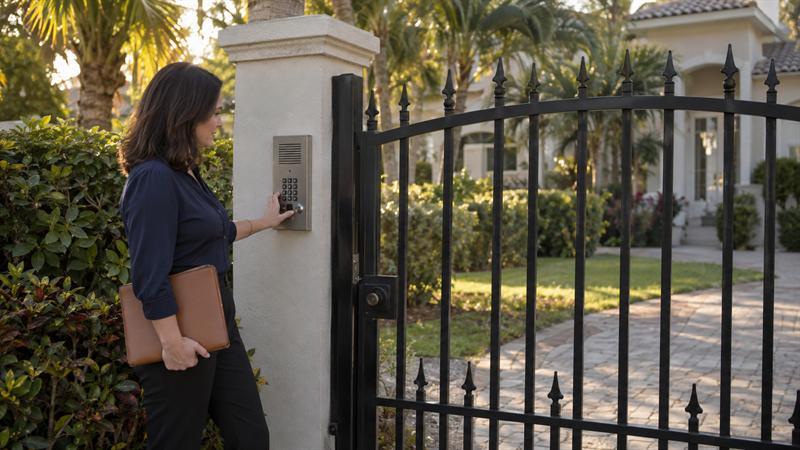
Gated communities often look simple because the address appears complete. In practice, the address usually does not solve the entry problem by itself. Some communities require a resident to place the visitor on a list. Others use call boxes, gate attendants, or entry codes.
This often comes up with appointments coordinated by adult children, neighbors, or third parties. The signer may be inside the community, but the person arranging the appointment is not always the person who controls the gate. That is where access can break down.
If the appointment is at a private home inside a managed or gated neighborhood, it helps to understand how that differs from a standard home visit. Mobile Notary Appointment at Home: What to Prepare explains the basics, but gated entry adds another planning layer.
- Some communities require the visitor name exactly as it will be checked at entry
- Some gates have multiple entrances, and only one may allow guest access
- Some call boxes depend on the resident answering from inside the property
- Some communities have more limited visitor entry outside normal access hours
If the signer is not the resident, someone else may need to authorize the visit correctly. Without that step, the appointment may reach the gate and stop there.
What residents or family coordinators should confirm in advance
- Name listed for gate authorization
- Correct gate or entrance to use
- Call box or entry instructions
- Whether GPS leads to the actual access point or a closed resident-only entrance
A common issue is that the property address is correct, but the wrong entrance was shared. That can lead to waiting, phone calls, and lost time before the appointment even begins.
Access planning for office buildings and workplaces
Office appointments often seem easier than facility visits, but they create a different kind of access problem. The notary may reach the building on time and still be delayed by lobby security, reception transfer, elevator controls, or incomplete suite information.
This is where commercial appointments differ from simpler walk-in settings. The signer is not always waiting in an obvious public area. In many buildings, the notary needs a company name, suite number, reception contact, and a clear meeting point before entry moves smoothly.
For readers comparing mobile service options across work, home, and facility settings, Southwest Florida Mobile Notary Services: A Complete Guide for Home, Office, and Facility Signings gives a wider view of how different appointment types are handled.
- Reception may need notice before an outside visitor is admitted
- Suite and floor details matter in multi-tenant buildings
- Badge-controlled elevators can limit access after lobby check-in
- After-hours appointments often require different entry coordination than business-hour visits
This can become more difficult when the signer assumes the notary can simply ask for them at the front desk. In many buildings, that is not enough. Someone inside the office may need to receive the visitor, arrange a conference room, or clear access to upper floors.
Office-specific details that prevent check-in delays
- Company name and suite number
- Reception desk or internal extension
- Visitor sign-in requirements
- Floor access method
- Exact meeting location inside the building
If those details are missing, the notary may reach the building but not the signer. That is the distinction behind many office-related delays.
Access planning for hospitals, rehab centers, and healthcare facilities
Healthcare appointments need more coordination because the signer’s location and availability can change during the day. The street address gets the notary to the property, but it does not answer where the signer is, which unit they are in, or how visitor entry works at that moment.
Sunshine Mobile Notary, LLC regularly encounters this with facility-based signings. A common scenario is that a family member schedules the appointment based on a room number that has changed, or assumes the visitor desk will know where to send the notary without advance notice. That often leads to delays, multiple calls, or a need to adjust timing once the correct location is confirmed.
Healthcare settings also run on care schedules, shift changes, and internal procedures that do not exist in a residential appointment. That means access planning is not just about getting through the front door. It is about reaching the signer at a time and place where the appointment can realistically move forward.
Healthcare setting details to confirm before arrival
- Facility name and department, wing, or unit
- Current room or patient location
- Visitor desk or front entrance instructions
- Best on-site contact person
- Timing considerations if the signer may be unavailable during care routines
The practical issue is that room location and visitor procedures often matter more than the facility address. If those details are wrong, the appointment may start behind schedule or may not start at all.
If these signs sound familiar, action is usually needed before the appointment is set:
- The signer is inside a property with a gate, lobby desk, or visitor registration process
- A family member or coworker is arranging the appointment for someone else
- The location has multiple buildings, wings, floors, or entrances
- The signer’s room or availability could change during the day
When one or more of these conditions apply, access planning should be treated as part of the appointment itself, not as a detail to handle on arrival.
Access planning for assisted living and senior living communities
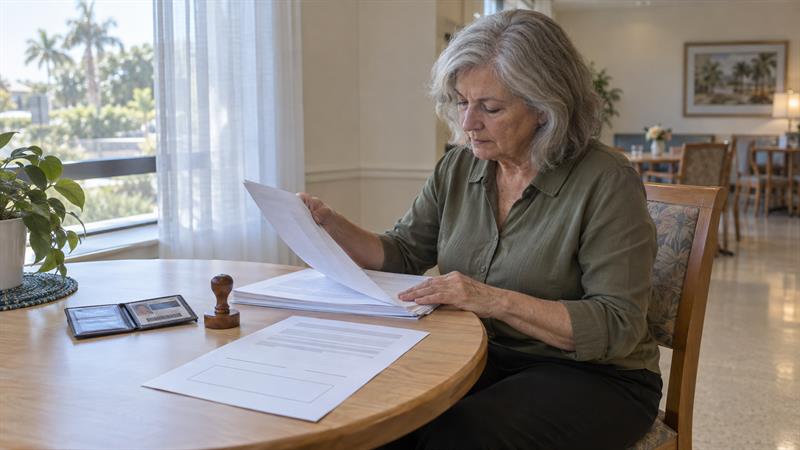
Assisted living and senior living appointments combine parts of residential access and facility access. There may be a front desk, a visitor log, a building-specific entry route, or a staff-guided escort process. The signer may also be in a room, common area, or activity space rather than waiting near the entrance.
This is where confusion often builds when the appointment is being coordinated by a relative who is not on site. The family may know the resident’s general location, but not the exact building-entry process or the best place for the signing to happen. That can lead to delays that are preventable with better location details.
A common pattern is that the resident is available, but the documents or ID are somewhere else, or the facility entry instructions were never shared in full. Once that happens, the appointment can start losing time at several points instead of one.
Family coordination tips for senior living appointments
- Confirm the resident’s current location and expected availability
- Provide full front-desk or facility entry instructions
- Identify the best contact if the resident cannot meet at the entrance
- Make sure identification and documents are with the signer, not in another room or with another family member
The most important distinction in senior living settings is that the resident being on site does not mean the appointment is ready. Entry, location, document access, and timing all have to line up at the same time.
When remote online notarization may be the better option
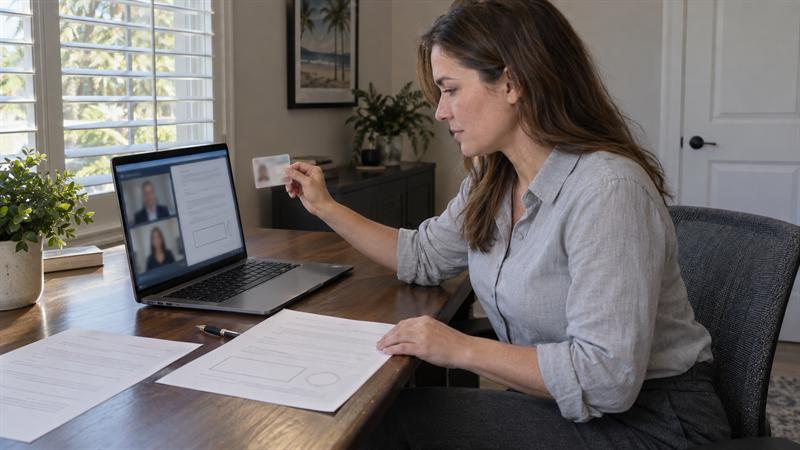
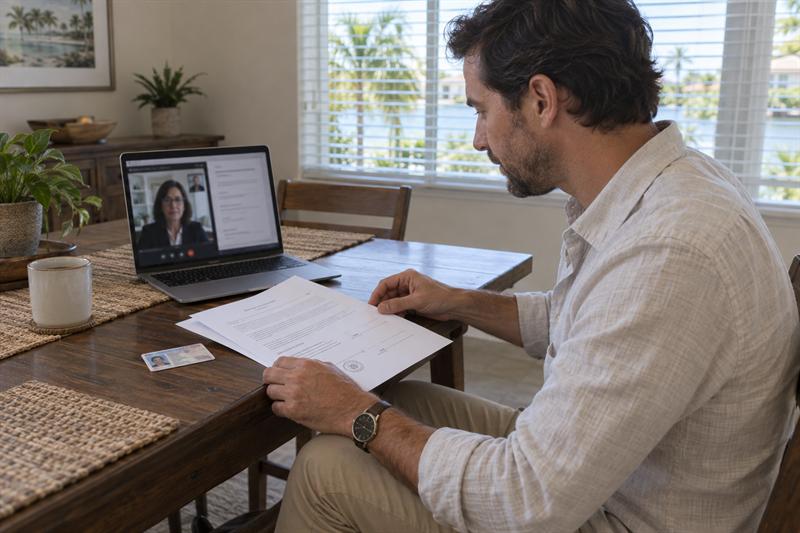
Remote online notarization can be a practical option when physical access is the main problem. If the location has unpredictable entry rules, repeated delays, or difficult coordination between multiple people, an online appointment can remove the building-access issue entirely.
That does not make remote online notarization the default answer for every situation. Document type, signer readiness, and whether the receiving party accepts remotely notarized documents still matter. The key point is that when the main obstacle is getting through the gate, lobby, or facility check-in process, the better option may be the one that removes that obstacle.
For a closer look at where online notarization works well and where failure points usually show up, see Remote Online Notarization in Florida: Document Eligibility, Recipient Acceptance, and Common Failure Points.
At Sunshine Mobile Notary, LLC, both mobile and remote options can help depending on what is creating the delay. If access is the recurring issue, remote may be the more efficient fit than forcing another difficult in-person visit.
Restricted-access mobile notary checklist
Use this checklist before confirming any appointment at a gated, secured, or staffed location:
- Exact appointment address and property or building name
- Gate code, guest authorization, or call-box instructions
- Building, floor, suite, room, or unit details
- Front desk, lobby, or security check-in process
- On-site contact name and phone number
- Parking instructions or best entrance to use
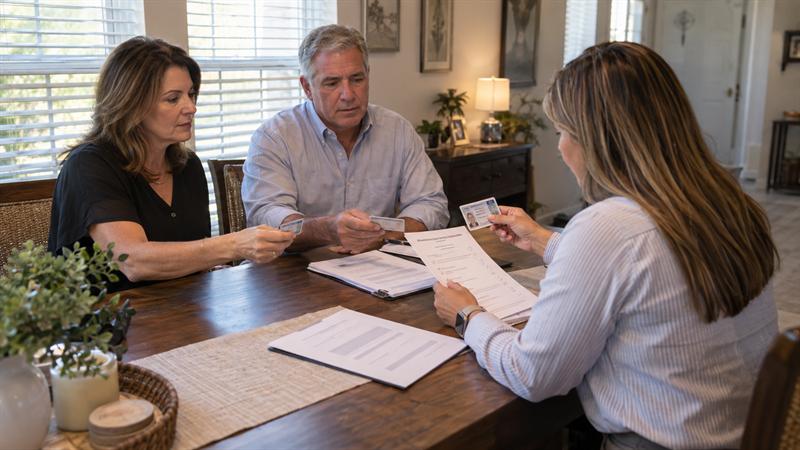
- Confirmation that the signer will be available with identification and documents ready
If even one of these items is unclear, the appointment may not be fully set up. That can lead to avoidable delays at the first access point.
To confirm whether service is available in your location, review the mobile notary service areas in Southwest Florida.
Key Takeaways
- Access planning is separate from document preparation, and both need to be ready.
- Restricted-access appointments often run into problems because entry instructions were incomplete, not because the notarization itself was complicated.
- Gated communities, office buildings, healthcare facilities, and senior living locations each create different access issues.
- If the signer is difficult to reach physically, remote online notarization may be the more practical option.
- The smoother the access instructions, the smoother the appointment usually runs.
Conclusion
The real problem in restricted-access mobile notary appointments is not finding the property. It is reaching the signer on time, with the right entry approval, location details, and check-in steps already in place. When that part is handled poorly, the appointment can slow down at the gate, the lobby, or the facility desk long before any document is signed.
If these details are ignored, delays can stack up quickly. The notary may arrive but cannot enter, the signer may not be reachable, the room information may be outdated, or the front desk may never have been notified. That can lead to lost time, disrupted schedules, and a signing that has to be reworked instead of completed.
Sunshine Mobile Notary, LLC is a strong option when the appointment location is more complex than a standard visit. The service includes mobile and remote notarization in Southwest Florida, including gated communities, office settings, healthcare facilities, and senior living locations where access planning matters. If your signing depends on getting through a gate, front desk, or managed facility entry with fewer complications, it makes sense to sort out those details before the appointment is on the calendar.
FAQ Block
What access information should be provided before a mobile notary arrives?
A mobile notary usually needs more than the address when the appointment is at a restricted-access location. The most useful details are the exact entry method, any gate code or call-box instructions, the building or property name, and the specific suite, unit, floor, or room where the signer will be located. If there is a front desk or security check-in process, that matters too, along with the name of the on-site contact if the signer will not meet at the entrance.
The important distinction is that “where the property is” and “how to get to the signer” are not the same thing. In a hospital, for example, the room or unit may matter more than the street address. In an office building, the suite number and lobby sign-in process are usually what help prevent a delay.
Can a mobile notary meet someone inside a gated community?
Yes, a mobile notary can often meet a signer inside a gated community, but access usually depends on the community’s visitor process. Some locations use gate attendants, some require the resident to place the visitor on a guest list, and some rely on a call box or entry code.
What commonly gets misunderstood is that a correct street address does not create gate access by itself. If the signer is visiting someone else’s home or the appointment is being arranged by a family member, the key issue becomes who is authorized to admit the visitor. That is what determines whether the notary enters promptly or waits at the gate.
How does a mobile notary check in at a hospital or assisted living facility?
Check-in usually depends on the facility’s visitor process and the signer’s exact location inside the building. That may include a front desk, visitor log, security desk, or direction from staff to a room, unit, or common area. In these settings, the street address is only the starting point.
A useful distinction is that hospitals and senior living communities often involve moving parts that do not exist in a standard home appointment. The signer may be in a different room than expected, participating in a routine, or located in a wing that requires separate directions. That is why the building name alone is rarely enough for a smooth visit.
What happens if the notary cannot get through the gate or security desk?
If the notary cannot get through the gate or check-in point, the appointment is often delayed, interrupted, or rescheduled depending on the situation. The main issue is not simply arrival time. It is whether the signer can still be reached within the planned appointment window.
The bigger implication is that access failure affects the entire appointment, even if the documents and identification are otherwise ready. A missing visitor authorization, incorrect suite detail, or uninformed front desk can block entry before the notarization even begins. That is why access instructions are a core part of appointment readiness, not a minor extra detail.
Is a room number or suite number necessary for a mobile notary appointment?
In many office, healthcare, assisted living, and large multi-building settings, yes. A room number, suite number, or unit detail is often necessary because it tells the notary where the signer actually is after entry has been approved.
This matters most in properties where the lobby is only the first checkpoint. In an office building, the company name and suite number help reception direct the visitor correctly. In a rehab or healthcare setting, a room number or unit name is often the difference between reaching the signer efficiently and searching the wrong area.
When should remote online notarization be considered instead of an in-person visit?
Remote online notarization is worth considering when physical access is difficult, uncertain, or likely to create repeated delays. This comes up when entry rules are unpredictable, travel coordination is complicated, or the signer is in a location where in-person logistics are harder to control.
The important factor is that remote online notarization does not solve every situation automatically. Document type, signer readiness, and eligibility still matter. The real advantage is that it removes location-based barriers when the main problem is getting a notary physically through the gate, lobby, or facility check-in process.