Quick Answer: A mobile notary appointment at home often stalls when the signer’s ID, documents, witnesses, access, or signing space are arranged after the visit is booked. Prepare a private signing space, current ID, complete documents with notarized signature lines left blank, confirmed witnesses or translator, and clear arrival access before the notary is dispatched. Sunshine Mobile Notary, LLC supports home signings across Southwest Florida by helping keep those appointment details clear.
You are likely trying to move a legal, estate, loan, or personal document forward without adding a trip for an older signer, a signer with limited mobility, or a busy family. A home appointment solves access, but it does not solve preparation. The signing still needs a clear space, a valid ID, complete documents, the right people in the room, and a way for the notary to arrive without delay.
What a Mobile Notary Appointment at Home Involves
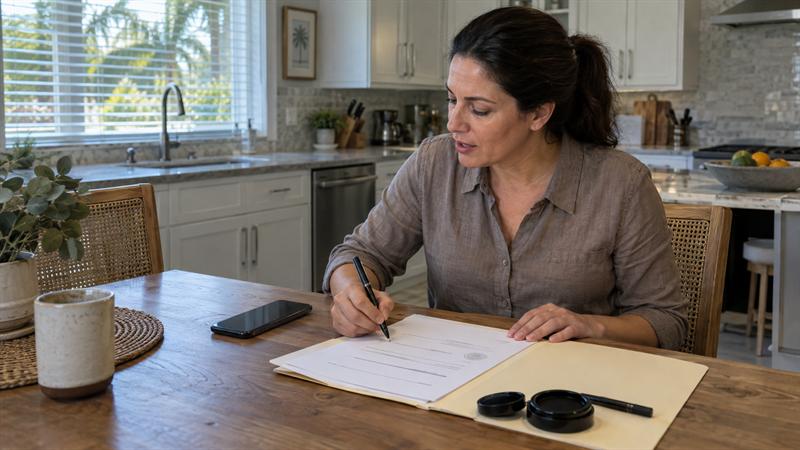
A mobile notary appointment at home is an in-person notarization at the signer’s residence. The notary travels to the home, verifies the signer’s identity, witnesses the signature, and completes the notarial certificate at the signing location. The signer remains at home, and the notary completes the appointment on site.
The notary does not draft the document, explain legal terms, or advise on the content. In a standard in-person appointment, the signer is present and the notary witnesses the signing. The length of the visit depends on the number of signers and documents.
- The notary commonly confirms the location, signer name, and appointment time on arrival.
- The signer presents current government-issued photo ID.
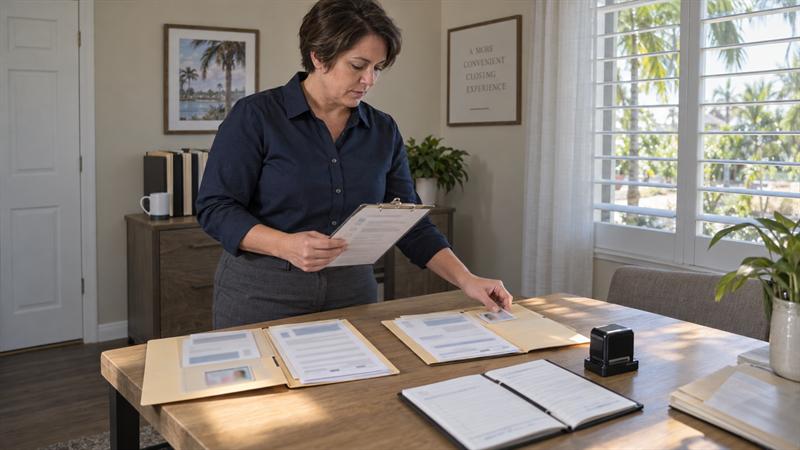
- The notary reviews the document set for missing pages and signature readiness.
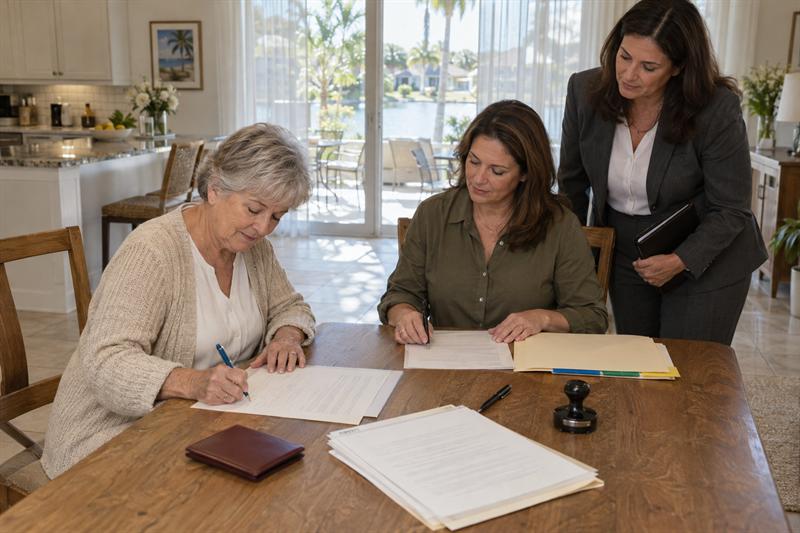
- The signer signs the required lines while the notary witnesses the signing.
- The notary completes the notarial certificate.
Is a Home Location the Right Fit for You?
A home location is the right fit when the signer cannot easily travel, when multiple people need to sign the same document, or when the signing should happen in a private, familiar setting. A home visit works best when the signer’s location is fixed and the preparation can be managed from that place.
A common planning scenario is a family coordinating a power of attorney, trust, deed, or care-related document for an older adult who does not want to drive to a bank or office. The home becomes the practical signing location because the signer does not have to handle traffic, wait in a line, or carry documents across town.
- The signer has limited mobility, a medical appointment schedule, or transportation constraints.
- Several family members need to sign the same estate or property document.
- The document has a fixed signing deadline and an office trip would add avoidable disruption.
- The signer prefers a familiar room, a quiet setting, or a private in-home meeting space.
- The signer lives in a home, condo, or apartment where a home visit is easier than an office trip.
When an Office, Neutral Location, or Remote Option May Work Better
An office, neutral location, or remote online notarization option may work better when the home cannot provide privacy, when facility access is restricted, or when the document is eligible for remote online notarization. This is not a rejection of the home visit. It is a way to protect the signing from a setup that is more likely to stall.
The correct choice depends on the signer’s environment, the document requirements, and the access needed on the day of the visit. A home appointment is not the only in-person path, and remote online notarization is not a substitute for every document type.
- The residence has no private room and the signer cannot separate the signing from other people.
- A care community requires visitor approval, check-in, or a time window that cannot be confirmed.
- The document is eligible for remote online notarization and the signer has a reliable device and connection.
- A neutral meeting space would reduce family tension or make the signer more comfortable.
How to Prepare for a Mobile Notary Visit at Home
Prepare five things before a mobile notary visit at home: a private workable space, current ID, complete documents with notarized signature lines left blank, confirmed witnesses or translator, and clear access details. The notary can travel to the address, but the signer’s side of the appointment should be ready before the notary reaches the property.
For a broader reference beyond the home signing basics, see what to bring to a notary appointment. That checklist covers the general items a signer should have ready, while this section focuses on the home environment.
Prepare a private, workable signing space
The signer needs a quiet room, a flat surface, good light, and time to sit and sign. The notary needs enough room to review the document without crowding the signer. A private space also helps the signer focus on the signature requirement.
- Choose a room where other household members can be asked to step away.
- Use a table, desk, or flat surface for the documents and ID.
- Make sure the signer is seated comfortably and can read the signature lines.
- Keep pets, loud screens, and interruptions out of the immediate signing area.
Gather valid government-issued ID
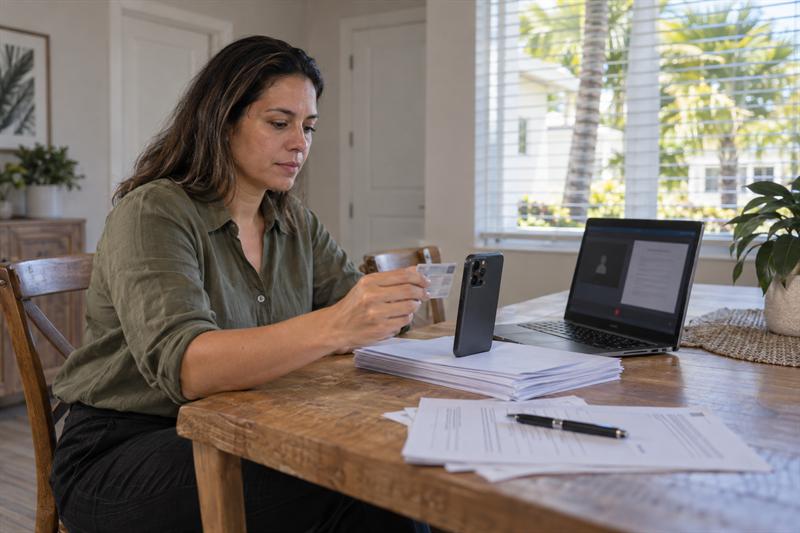
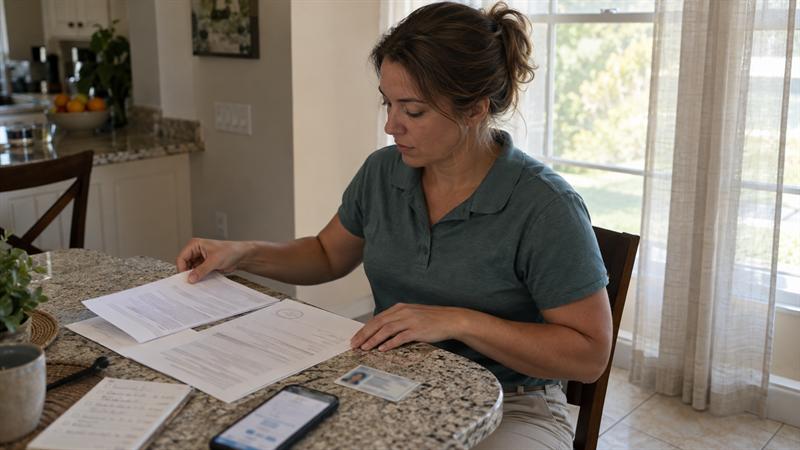
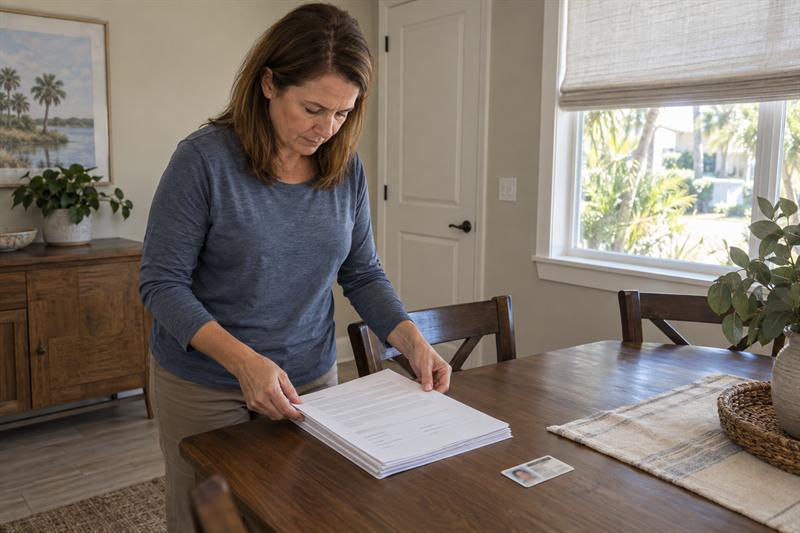
The signer needs a current government-issued photo ID that clearly identifies the person signing. The ID should be in hand on the day of the visit, not located after the notary arrives. A missing, expired, or unclear ID is a common reason a home signing stalls before it starts.
- The ID should be unexpired and show a clear photo.
- The name and photo should clearly identify the signer.
- If the signer has had a name change, that detail should be identified before the visit.
- The ID should be available before the notary begins the signing process.
Review your documents for signature readiness
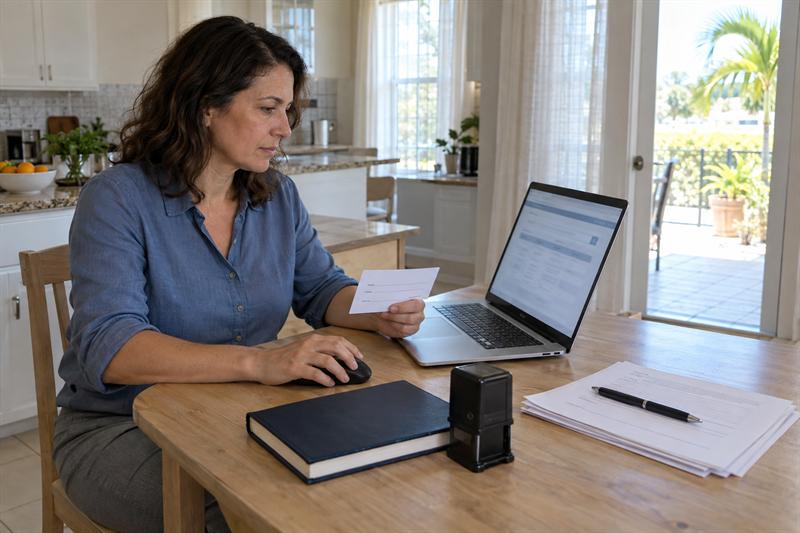
Documents should be printed, in order, complete, and left unsigned at notarized signature lines until the notary is present. Because the notary witnesses the signing in a standard in-person appointment, the signer should not pre-sign pages that require notarization. Missing pages, incomplete attachments, or blank identity fields often create stops that travel does not solve.
- Confirm every required page is printed and in sequence.
- Confirm attached pages, exhibits, and referenced forms are included.
- Leave notarial signature lines blank until the notary is present.
- Confirm who is signing, including any required title, role, or capacity language.
Arrange witnesses or a translator if the document requires them
Witnesses or a translator should be confirmed as physically present at the signing, not just named on the booking. The requirement usually comes from the document or the party preparing it, not from the fact that the signing is at a home. If the document has a witness line, that person needs a confirmed time at the residence.
- Check the signature block for witness lines or notary-specific instructions.
- Confirm the witness understands the expected arrival time and location.
- If the signer does not read the document language, confirm whether a qualified translator is needed.
- Do not treat the notary as the substitute for a required witness or translator.
Confirm access, parking, and arrival details
Access details should be sent before the notary arrives: gate code, unit or room, parking, and a day-of phone number. The notary can manage the signing, but the address should allow a smooth arrival. Gated entries, building lobbies, and tight parking can create a waiting problem when they are not confirmed.
- Send gate codes, intercom instructions, or front desk details in advance.
- Include the unit, apartment, suite, or office number if the address is shared.
- Confirm where the notary should park so the signer is not kept waiting.
- Provide a phone number that can be reached on the day of the appointment.
Home Notary Appointment Checklist
Use this as the final check before the visit. If the five items below are ready, the appointment is more likely to stay on track at the home location.
- A private, seated, lit signing space is reserved.
- The signer’s current government-issued photo ID is ready.
- Documents are printed, complete, in order, and left unsigned where required.
- Required witnesses or a translator are confirmed to be present at the signing time.
- Gate access, unit or room details, parking, and a day-of phone number are shared.
If any of these signs are present, the appointment is better checked before the notary is sent out.
- The signer is in an assisted living community and no one has confirmed visitor check-in.
- The document requires a witness, but that person has not confirmed the time.
- The ID is expired or does not clearly identify the signer.
- The home is behind a gate, intercom, or building desk with no code shared.
These signs usually mean the appointment needs a short preparation check before the notary is sent to the address.
Access, Privacy, and Facility Considerations
Access and privacy often determine whether the notary can start the signing on time. Southwest Florida includes gated communities, condominiums, assisted living communities, memory care settings, shared office buildings, and residential areas where entry takes more than a door key. A common setup issue is that check-in details are confirmed only after the notary is already en route.
The notary should be able to reach the signer without disrupting the schedule or the signing itself. The entry path should be known before the vehicle arrives at the property line.
Homes, gated communities, and building entry
For homes and gated communities, confirm gate access, unit number, and who opens the door. Many residential areas rely on codes, intercoms, HOA rules, or resident assistance. The notary may arrive on time but still wait at the gate if the access path is not shared.
- Confirm whether a gate code, intercom call, or resident access is needed.
- Include the correct unit, cottage, or house number for the signing room.
- Give the notary a phone number to reach the signer if the building requires contact.
Assisted living and care community visitor rules
For assisted living or care communities, confirm visitor check-in, time window, and room before the visit. The signing is in person, but the facility’s entry process can affect how the notary reaches the resident. The notary works within the facility’s process rather than creating a separate path around it.
- Confirm whether the notary must check in at reception or a front desk.
- Confirm whether the notary needs visitor identification or a pre-approval.
- Confirm the signing room, resident location, or private meeting area.
- Confirm the time window so the notary does not arrive during a restricted period.
Offices, shared homes, and neutral spaces
For offices and neutral spaces, reserve a private room and confirm security entry or escort. A neutral location can be the best choice when the home is too open or when multiple parties need a clear, professional setting. The setup still needs the same five preparation details: space, ID, documents, people, and access.
- Reserve a private room or meeting area before the appointment.
- Confirm whether the notary must sign in with building security.
- Confirm parking, lobby rules, and who will meet the notary on arrival.
Common Mistakes That Can Delay a Home Appointment
A home appointment usually delays when ID, documents, signer presence, privacy, access, or witnesses are treated as small details. Each one can stop the signing at the address and turn a planned visit into a reschedule. The delay is usually about the readiness of the location and the people involved.
- Expired or unclear ID can stop identity verification and prevent the notary from completing the normal signing step.
- Pre-signed documents create a problem because the notary must witness the signer’s signature in a standard in-person appointment.
- Missing pages or attachments can stop the document set from being complete at signing time.
- A signer who is absent or not ready to sign in the notary’s presence can prevent the notarial act from being completed.
- Lacking a private space can make the signing harder to keep focused and interrupt the notary’s verification step.
- Unconfirmed gate or building access can keep the notary from starting the appointment at the scheduled time.
- A witness who is not in the room can stop the signing when the document requires witness participation.
- A wrong date, time, or contact number can create a missed or delayed arrival.
When these items are missing, the notary often cannot finish the act, the document remains unnotarized, and a rescheduled date is often needed. That delay can affect a closing date, care plan, property transfer, or family agreement tied to a specific signing date.
Mobile Notary vs. Bank, Office, and Remote Online Notarization
The most practical option depends on the signer’s location, mobility, document type, and need for witnesses, not price alone. For a signer who cannot travel, needs a familiar setting, or has multiple signers at one residence, a mobile notary appointment at home is usually the clearest path.
The comparison should start with where the signer can sit and sign, not with where the notary is located. The wrong choice can create a trip that could have been avoided, or a remote session that would not have been available for the document.
- Bank or office notary: useful for simple documents when the signer can travel to the branch and fit the branch schedule. The signer carries the documents and ID to the office.
- Mobile notary at home or office: useful when the signer cannot travel, when multiple signers are in one location, or when the signing must happen at a residence or care setting. The notary completes the in-person signing at the signer’s location.
- Remote online notarization: useful for eligible documents when the signer can participate through a secure online process and has the required technology. It can remove the need for a physical visit, but it does not replace every in-person signing.
- Neutral in-person location: useful when the home lacks privacy and the signer does not want a public branch or office. A reserved meeting room can provide a clear, controlled signing setting.
If the signer can travel and the document is simple, a bank or office may work. If the signer has limited mobility, the document needs to be signed at the residence, or a care community is involved, the home visit is the stronger fit. If the document qualifies for remote online notarization and the signer has a reliable device, the remote option can save travel time. For the full comparison and the situations where a home visit fits best, see the guide on when to use a mobile notary instead of going to a bank.
Home Notary Service Across Southwest Florida
At Sunshine Mobile Notary, LLC, mobile notary appointments are coordinated around the signer’s location, document readiness, and access path. Home signing coverage includes Fort Myers, Cape Coral, North Fort Myers, Lehigh Acres, Bonita Springs, Estero, Sanibel/Captiva, North Naples, Naples, Ave Maria, Immokalee, Marco Island, Port Charlotte, Punta Gorda, Rotonda West, and the Sarasota area. Remote online notarization is also available for eligible document types when the signer prefers a secure online session.
The visit is smoother when access details are clear. An unconfirmed gate code, a missing witness, or an expired ID can stop the signing at the address. The appointment plan should include the people, documents, and entry details before the notary is sent out.
- Confirm the signing location, signer count, document type, and requested time.
- Send or confirm document details in advance when the preparing party can provide them.
- Confirm gate codes, parking, unit or room details, and a day-of phone number.
- Confirm the appointment time so all signers, witnesses, and the notary are in the same window.
For a booking walkthrough, see the guide on what to expect when booking a mobile notary appointment in Fort Myers.
Key Takeaways
The practical takeaway is that a home signing is more likely to succeed when five details are ready before the notary arrives. These five details turn the home from a convenient address into a workable signing location.
- A private, seated, lit signing space is the baseline for a home signing.
- Current, clear government-issued photo ID is the first item the notary needs at the signing table.
- Documents should be complete, in order, and left unsigned at notarial lines until the notary is present.
- Witnesses and translators should be confirmed to be in the room, not only listed on the booking.
- Gate codes, unit numbers, parking details, and a day-of phone number should be shared before the notary travels.
Conclusion
The real problem is not the notary’s ability to travel. The problem is that the home environment, signer, ID, documents, witnesses, and access may not be confirmed before the visit. When those details are missing, the notary often arrives to a signing that is difficult to complete. That can create a rescheduled date and a delay for whatever depends on the completed document.
When a document needs to be signed at a residence, choose Sunshine Mobile Notary, LLC as the next step. Confirm the five details, book the appointment, and the notary can work through the signing at that location. The goal is a completed appointment at the signer’s home.
Frequently Asked Questions
Can a mobile notary come to your house to notarize a document?
Yes, when the document is eligible for in-person notarization and the signer can be present. A mobile notary comes to the residence for an in-person signing. The signer is present, the notary verifies ID, witnesses the signature, and completes the notarial act. The notary handles the signing at the residence, while the signer prepares the document and ID at home. The deciding factors are whether the signer can be present and whether the location can provide a private, workable space.
What do I need to have ready for a mobile notary appointment at home?
You need a private signing space, current government-issued photo ID, documents that are printed and complete with signature lines blank, any required witness or translator in the room, and access details for the address. A common stall is the ID: if it is expired or does not clearly identify the signer, identity verification can stall. Laying out those items before the visit keeps the signing from becoming a search for missing details at the door.
Does a mobile notary appointment at home require witnesses?
It depends on the document, not the home address. A witness requirement usually comes from the document instructions or the party preparing the document, such as an attorney, title company, or a court form. A standard acknowledgment often has no witness line, while some powers of attorney or affidavits can require one. The practical test is the signature block: if it has a witness line or the preparing party says a witness is required, that person must be present at the signing.
Can a notary come to an assisted living or care community for a resident?
In many cases, yes, when the visit is coordinated with the facility and the document is eligible for in-person notarization. The signing is in person, but the facility’s check-in process, visitor ID rule, visitation window, and room location can affect whether the notary can start on time. The difference between a completed visit and a reschedule is often whether someone confirmed those details in advance. The notary works within the facility’s entry and privacy process rather than creating a separate path around it.
Is a mobile notary appointment at home the same as online notarization?
No. A home appointment is physical and in person. The notary is in the same room, checks the ID in hand, witnesses the signer sign, and completes the notarial act. Remote online notarization happens through a secure audiovisual session and is available only for eligible documents and qualified setups. The distinction matters because a document that can be signed at a kitchen table may still not qualify for a remote session.