
Confusion usually starts when someone is told to “sign online,” but the document needs more than a digital signature. At Sunshine Mobile Notary, LLC, that issue comes up with real estate forms, affidavits, powers of attorney, and documents being sent to lenders, title companies, agencies, or county offices.
The simplest way to sort it out is this: if the document only needs your signature, an e-signature may be enough. If it needs a notary to verify identity and complete a notarial certificate, it needs notarization. If that notarization happens remotely, it falls under remote online notarization.
E-Signature and Remote Online Notarization Are Not the Same Thing
An e-signature is a way to sign electronically. Remote online notarization is a notarial act completed through approved online technology with identity verification and a notary participating remotely in a live session.
The main point is not whether the document is digital. The real question is whether the document requires notarization to be complete and usable for its intended purpose.
What an e-signature does
An e-signature shows that a person signed or approved a document electronically. That works well for many business forms, agreements, and routine documents that do not require notarization.
- It confirms the signer took action on the document.
- It does not automatically involve a notary.
- It does not create a notarial certificate.
- It does not turn the document into a notarized record by itself.
This is where confusion starts. A signed file can look finished even when it is still missing the formal step the recipient expects.
What remote online notarization does
Remote online notarization involves a commissioned notary performing a notarial act through live audio-video technology. The process includes identity verification and completion of the notarial certificate, which creates a notarized electronic record rather than just a signed one.
A common issue is that people focus on the signature field and miss the notarial wording or certificate page. When that happens, the document may be sent back because the signature was completed but the notarization was not.
For a step-by-step explanation of the process, see Remote Online Notary in Florida: How It Works Step by Step.
The Fastest Way to Tell Which One Your Document Needs
Check the document before signing anything. In many cases, the answer is in the wording, the certificate, or the instructions from the person receiving it.
What matters most is not whether the document arrived by email or opens in a browser. What matters is whether the document calls for a notarial act. If it does, a simple e-signature is generally not enough.
Signs an e-signature may be enough
- There is no notary block or notarial certificate anywhere in the document.
- The recipient specifically asks for an electronic signature, not notarization.
- The document is a routine agreement, authorization, or approval form.
- The document does not involve a sworn statement, acknowledgment, or jurat.
In those situations, the document often just needs to be signed correctly and returned in the requested format.
Signs notarization is required
- The document includes acknowledgment or jurat wording.
- There is a notary block, seal area, or certificate page.
- The receiving party mentions notarization, recording, sworn signature, affidavit, or identity verification requirements.
- The document is tied to real estate, sworn statements, powers of attorney, or certain official filings.
If you see those signs, the issue is no longer just how to sign. The issue is how to complete the notarial act correctly so the document is more likely to be accepted.
What to do if the instructions are unclear
Read the notarial wording closely before signing. If the document has a certificate page or notary block, stop and review what the notary is being asked to do.
This comes up with documents forwarded from third parties. The email says “please sign and return,” but the document itself contains acknowledgment or jurat language that changes the process.
If the form includes notarial wording, do not assume a basic e-signature finishes it. If the recipient expects a remotely notarized electronic record, that should be confirmed before the document is completed.
Side-by-Side Comparison: E-Signature vs. Remote Online Notary
The easiest way to separate these two options is to compare what each one actually does. They solve different problems.
Identity verification
An e-signature platform may verify a user at a basic account or access level. Remote online notarization involves identity verification tied to the notarial act itself.
That distinction matters because the recipient may need more than proof that someone clicked to sign. They may need a notarized record that reflects a completed verification process. For more on that topic, see Is Online Notarization Secure? How Remote Online Notarization Is Verified.
Witnessing and notarial certificate
An e-signature alone does not create a notarial certificate. Remote online notarization includes the notary’s act and the completed certificate.
This point gets missed when someone sees a signature field and assumes the rest is optional. If the document requires notarization, the certificate is part of the document’s completion, not an extra detail.
Security and tamper evidence
A standard signed file and a notarized electronic record are not the same thing. A notarized electronic record commonly includes additional safeguards tied to the notarial process.
That matters when the document is being used for a formal purpose. In those situations, a simple signed file may not satisfy the recipient if notarization was required from the start.
Acceptance by recipients, lenders, agencies, or county offices
Acceptance depends on what the receiving party requires. A document can be properly e-signed and still be unusable for its intended purpose if the recipient required notarization.
This is where delays can become costly. A common scenario is that the file gets submitted, reviewed, and returned because the signature method did not match the execution requirement. What starts as confusion can turn into a missed deadline, a second appointment, or a stalled transaction.
Common Situations Where People Confuse the Two
Most confusion happens with specific document types, not abstract definitions. The document itself usually points to the right path if you know what to look for.
Real estate and title-related documents
Many real estate-related documents involve notarization, not just signing. Title instructions, lender requirements, and recording standards often determine what has to happen.
This comes up with deeds, affidavits, and closing-related paperwork. The signer may focus on speed, but the real issue is whether the document will be accepted by the next party in the process. If the execution is wrong, the file can stop there.
Affidavits and sworn statements
Affidavits and other sworn statements usually require more than agreement with the content. They involve a formal notarial act tied to the signer’s statement.
That is the key distinction. Signing a statement electronically is not the same as completing a sworn document before a notary.
Powers of attorney and permission forms
These documents create confusion because people assume digital delivery means digital signing is enough. In practice, the real question is whether the document requires notarization for the way it will be used.
If the document includes notarial wording or will be used in a formal setting, the execution method matters right away. A quick shortcut at the beginning can turn into a full redo later.
Business and HR paperwork that only needs a signature
Not every online document needs a notary. Many business and HR forms only require a signature, which is exactly why this distinction matters.
If a document has no notarial wording and no recipient requirement for notarization, adding a notary does not solve anything. The practical question is always the same: what does this document actually need to be complete and accepted?
How Remote Online Notarization Works in Florida
In Florida, remote online notarization is a live online notary process, not a simple document upload. The signer and notary meet remotely, identity verification is completed, and the notarial act is performed on an electronic document.
The process is usually straightforward once the document is confirmed as eligible and the recipient is prepared to accept a remotely notarized electronic record. Where it breaks down is when people assume the technology is the only issue. The more important issue is matching the process to the document requirement.
The role of audio-video communication
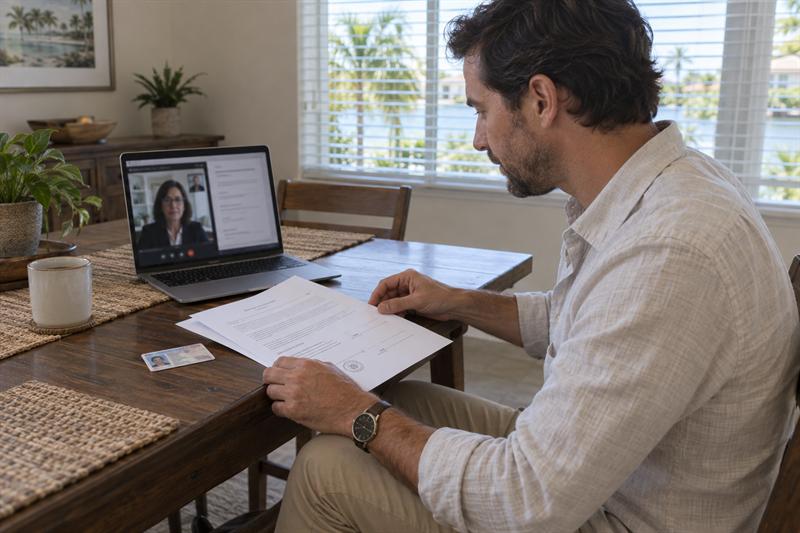
The signer and the notary meet in a live audio-video session. That is different from emailing a PDF back and forth or attaching a typed signature to a document.
If there is no live remote notary session, there is no remote online notarization. That is one of the clearest dividing lines.
ID checks and signer verification
Remote online notarization includes identity verification measures that go beyond clicking to sign. Those checks are part of what separates a notarized online session from an ordinary electronic signature workflow.
- The signer must be properly identified for the notarial act.
- The verification process is part of the session, not a side detail.
- If identity verification cannot be completed, the notarization generally cannot proceed.
If you are preparing for a remote session, the setup matters. See Remote Online Notary Appointment Checklist: Technology, ID, and Document Readiness.
The completed notarized electronic record
At the end of a properly completed RON session, the result is a notarized electronic record, not just a signed file. That distinction matters because the receiving party may need the notarial certificate and completed electronic notarization, not simply proof that a signature was placed on the page.
If that difference is missed at the beginning, the document may have to be redone from the start.
When Mobile Notarization May Be Better Than RON
Remote is not automatically the better option just because it sounds faster. In some situations, mobile notarization is the more practical path because it removes avoidable friction.
This reflects how Sunshine Mobile Notary, LLC approaches the issue. The goal is not to force every signing into one format. The goal is to match the document and the signer to the method that fits the situation.
Documents requiring in-person handling
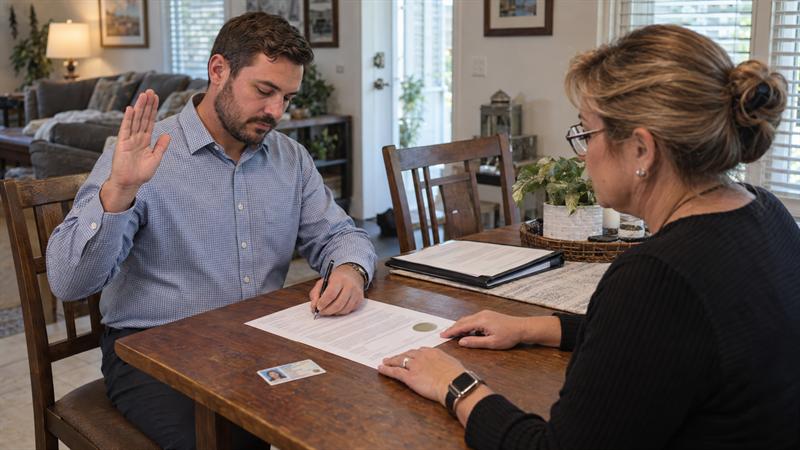
Some documents are easier to complete in person. Physical handling, signer comfort, or recipient expectations can make mobile notarization the smoother choice.
When the process is already time-sensitive, adding remote technology hurdles can slow things down instead of speeding them up.
Signers who have technology or ID verification issues
Not every signer is ready for a remote session. If there are problems with device access, connection quality, document readiness, or identity verification, remote convenience can disappear quickly.
This usually gets worse when the appointment is urgent. What looked like the fastest option can become the reason the signing stalls.
Local convenience within the service area
For signers in Southwest Florida, in-person service can be the cleaner answer when the document or situation does not fit a remote workflow well. If you are weighing those options, Mobile Notary vs Online Notary: Which Option Is Right for You? breaks down when each format makes the most sense.
If you are looking at a document with a notary block, facing a title or lender deadline, or unsure whether the recipient accepts a remotely notarized electronic record, it is important to confirm the right process before you sign.
- The document includes acknowledgment or jurat wording.
- You were told to “sign online,” but the file includes a certificate page or seal area.
- The document is connected to a real estate matter, affidavit, or formal filing process.
- You are on a deadline and want to avoid a rejected submission.
At that point, choosing the correct notarization path usually matters more than choosing the fastest-looking tool.
Quick Decision Checklist
- Does the document include a notary block, seal area, or certificate page?
- Does it contain acknowledgment, jurat, oath, or affirmation wording?
- Did the recipient ask for notarization, a sworn signature, recording, or formal filing?
- Is the document tied to real estate, an affidavit, or a power of attorney?
- Will the recipient accept a remotely notarized electronic record if the signing is done online?
If the answer to those questions points toward notarization, a simple e-signature is generally not the fix. If the document only calls for a signature and includes no notarial language, an e-signature is usually the practical option.
Key Takeaways
- An e-signature and remote online notarization are not interchangeable.
- An e-signature completes a signature, but notarization adds identity verification and a formal notarial act.
- The document wording and recipient requirements help determine which option is needed.
- Many mistakes happen when people sign first and review the notarial wording later.
- If the document includes a notary block, acknowledgment, jurat, or certificate page, the issue is usually notarization, not just signing.
Conclusion
The real problem is not choosing between two modern tools. The real problem is using a basic e-signature when the document actually requires a completed notarial act. That can lead to rejection, delays, repeat appointments, and missed deadlines because the document was not executed in the way the recipient required.
At Sunshine Mobile Notary, LLC, this is where clear guidance matters. Often, people do not need more technology. They need a clear answer on whether the document requires a signature, a remote online notarization, or an in-person mobile appointment.
If you are dealing with a document that includes notarial wording, title or lender instructions, affidavit language, or formal filing requirements, the practical next step is to work with Sunshine Mobile Notary, LLC so the document is completed correctly before time is lost fixing avoidable mistakes.
Company Approach
Sunshine Mobile Notary, LLC approaches these situations by starting with the document requirement, not the platform. That matters because the wrong format can cause more delay than the signing itself.
Signers are sometimes pushed toward whatever feels fastest, even when the document points in another direction. Sunshine Mobile Notary, LLC helps sort out whether the situation calls for a basic signature, remote online notarization, or mobile notary service so the execution matches the document from the start.
This distinction matters in real transactions because what usually goes wrong is simple: people complete the signature step and miss the notarization step. Once that happens, the correction is rarely just a quick edit. It often means rework, resubmission, and lost time.
FAQ
Is an e-signature the same as a notarized signature?
No. An e-signature is a way to sign electronically, while a notarized signature involves a notary completing a formal notarial act. The useful distinction is that notarization adds identity verification and a notarial certificate. A document can be fully e-signed and still be incomplete if notarization was required.
How can I tell if my document needs a notary or just an electronic signature?
Look for a notary block, acknowledgment wording, jurat wording, or a separate certificate page. Those are direct signs that notarization is part of the document requirement. If the instructions mention affidavits, sworn statements, recording, or formal filing, the execution standard is usually higher than a simple e-signature.
Can a document be e-signed and still require remote online notarization?
Yes. In a remote online notarization process, the signer may still apply an electronic signature, but that is only one part of the full transaction. The notarization is what adds the live remote notary session, identity verification, and completed certificate. The common misunderstanding is thinking the e-signature ends the process when it only covers the signing portion.
What kinds of documents commonly need remote online notarization in Florida?
Documents tied to sworn statements, certain real estate matters, powers of attorney, and other formal records are common examples where notarization comes into play. The key issue is not the title alone. It is whether the document includes notarial wording or is being used in a setting that requires notarized execution. That is what changes the decision.
If my document has a notary block, can I sign it before meeting the notary online?
Not always. If the notarial act requires the notary to witness the signing or complete a sworn statement, signing too early can create a problem. The notary block is a sign that the wording needs to be reviewed before the signature is placed. For a closer look at acknowledgment and jurat language, see Florida Notarial Acts Explained: Acknowledgment, Jurat, Oath, and Affirmation.
When is mobile notarization a better option than remote online notarization?
Mobile notarization is often the better fit when the signer is not comfortable with technology, identity verification may be a problem, or the document is easier to handle in person. The important point is that remote is not always the simplest option in practice. If the remote setup creates friction, the faster path is usually the one that removes those obstacles instead of adding more steps.